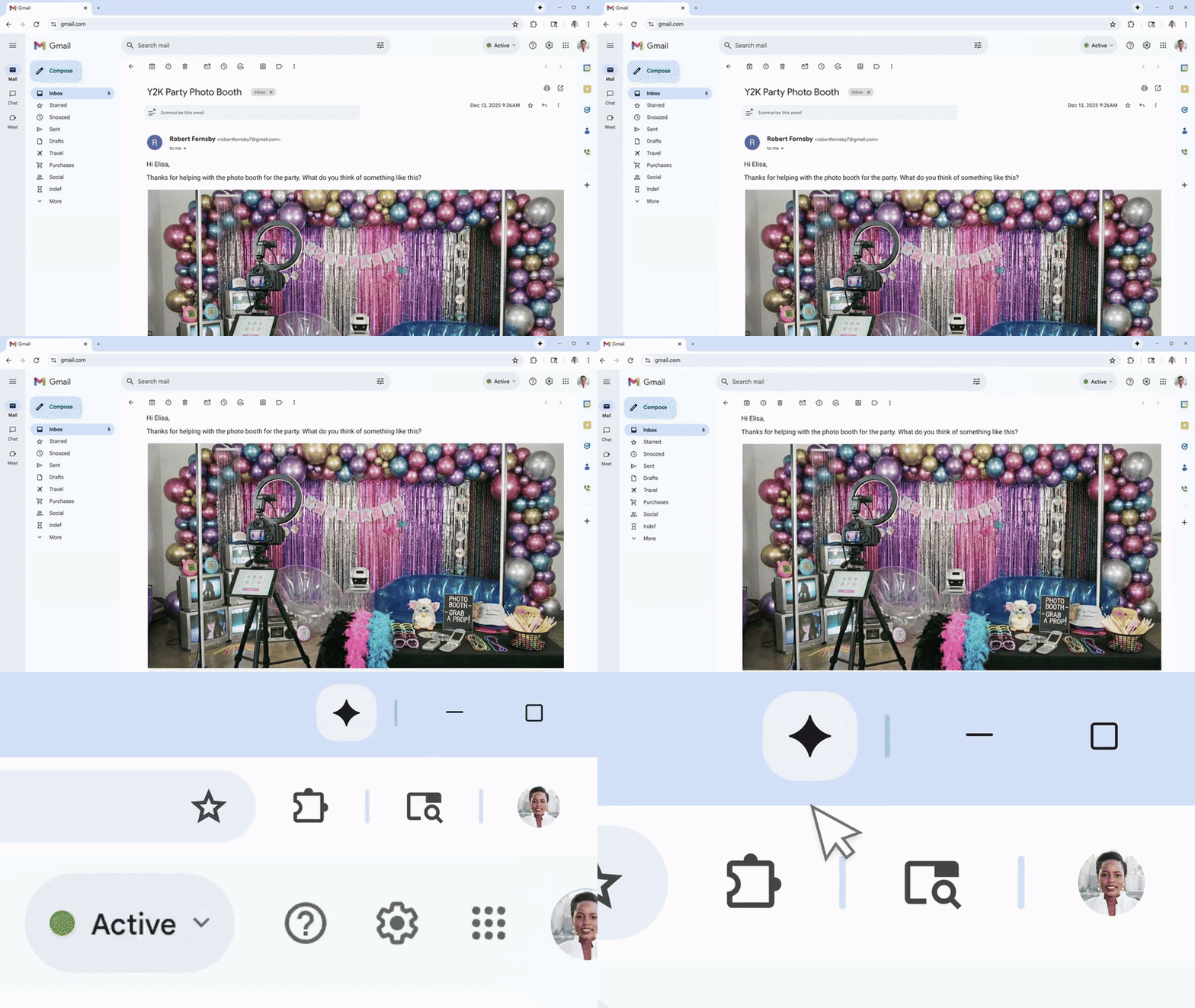
Google debuted a new “Auto Browse” feature for Chrome on Wednesday. The tool, powered by Google’s current Gemini 3 generative AI model, is an AI agent designed to take over your Chrome browser to help complete online tasks like booking flights, finding apartments, and filing expenses.
The release of Auto Browse is part of Google’s continued integration of AI features into Chrome. Last year, Google dropped the “Gemini in Chrome” mode to answer questions about what’s on web pages and synthesize details from multiple open tabs.
Auto Browse, which users can access by launching the Gemini sidebar in Chrome, will only be available today in the US to subscribers of Google’s monthly AI Pro and AI Ultra plans. It’s unclear when Auto Browse will become available to nonpaying users and additional countries.
Google’s rollout squares with Silicon Valley’s vision for the future of web browsing, which includes a whole lot more AI and a whole lot less of you. Whether it’s a browser designed from inception around generative AI, like OpenAI’s Atlas, or one that’s been retrofitted with new AI-based tools, like Google’s Chrome, almost every option available to consumers now has some level of baked-in AI. (The Vivaldi browser is a notable exception for users who want to avoid AI-powered web browsing.)
In a prelaunch demo, Charmaine D’Silva, a director of product management for Chrome, showed me an example of Auto Browse helping her shop online. “Instead of having to remember where I bought something and try to reorder something,” she said, “I can now delegate to Auto Browse within Gemini to be able to go ahead and buy jackets for me.” By typing a message to the Gemini sidebar in Chrome, D’Silva requested the bot reorder a jacket she bought last year, and to find a discount coupon code before making the purchase.

Auto Browse in action.
Courtesy of Google
When initiated, Auto Browse takes over Chrome and makes ghostly clicks in its own tab while it attempts to complete the given task. “Use Gemini carefully and take control if needed,” reads a disclaimer on the demo version. “You are responsible for Gemini’s actions during tasks.” Even though you’re sending it off into the digital wilderness, Google still sees you as responsible for what its bot does online while following your requests.
For now, the automation only goes so far. Tasks that are deemed by Google to be more sensitive, like posting on social media and swiping your credit card, still require a bit of user oversight. In these situations, the Chrome bot will lay out the steps it took to get that far in and ask the user if they would like to proceed.
Anyone interested in experimenting with Auto Browse should strongly consider the security implications of this kind of automation. Despite Google’s efforts to make it safer to use, Auto Browse and similar AI-based tools are still at risk of being deceived by prompt injection attacks when visiting malicious websites, which trick the bot into acting in ways that the initial user did not intend.
I’ll be testing Auto Browse this week to get a sense of its initial strengths, weaknesses, and what the tool actually means for average Chrome users. Generally, I’m skeptical about agentic AI tools designed to make your life more efficient and sweep up all your digital chores. The bots are almost always overhyped, and I’ve found them to be consistently unreliable. Still, Google is insistent on realigning the web browsing experience around AI. Given Google’s track record for pushing out new features gradually, you should expect Auto Browse to roll out more widely in the near future.